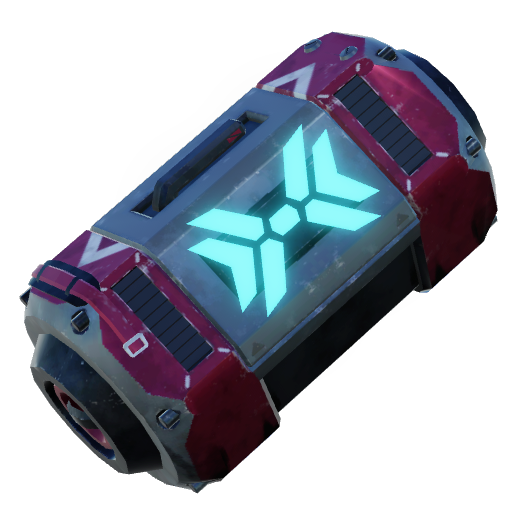
Crates
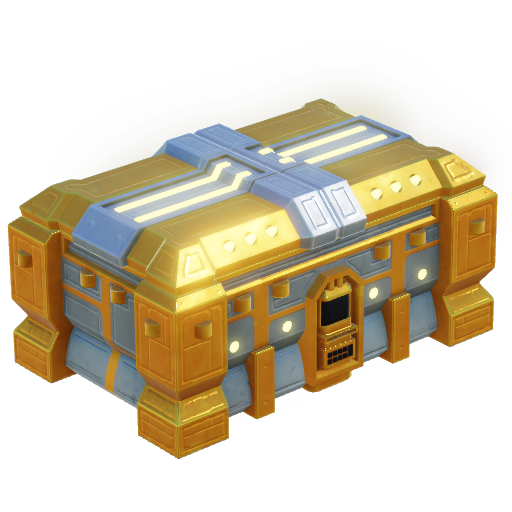
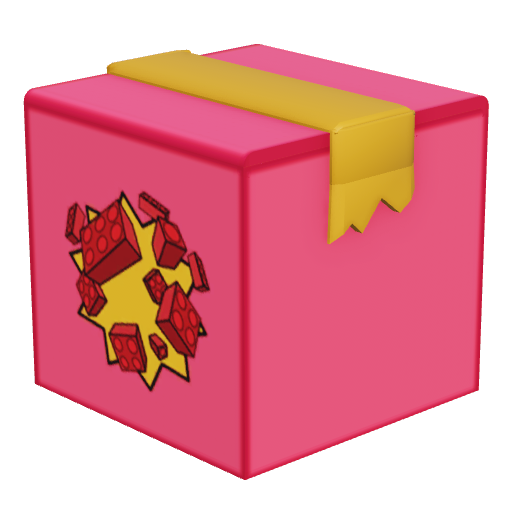
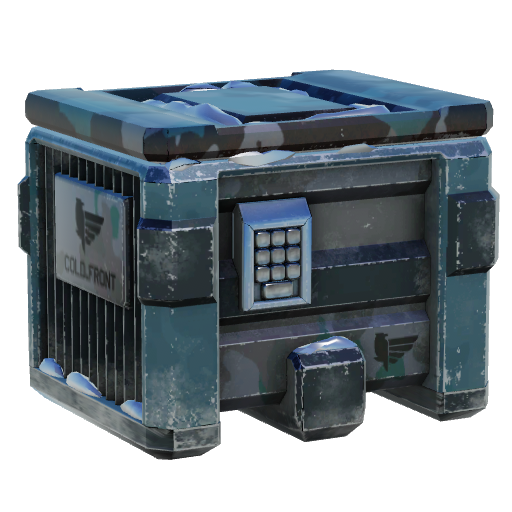
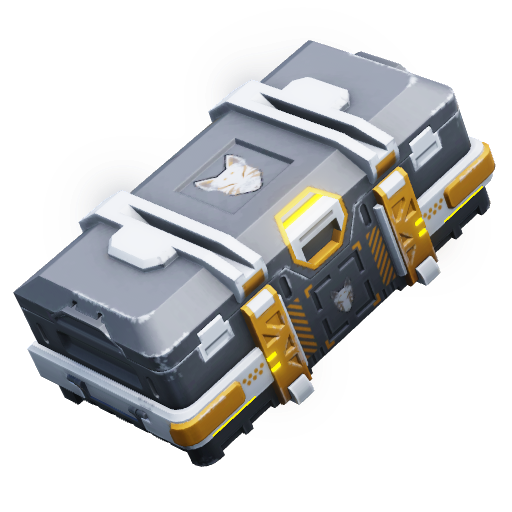
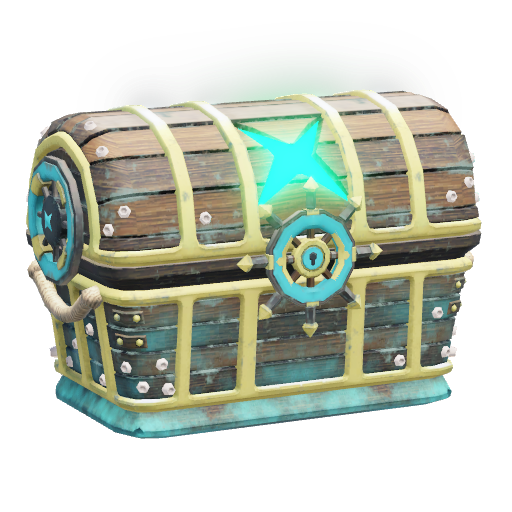
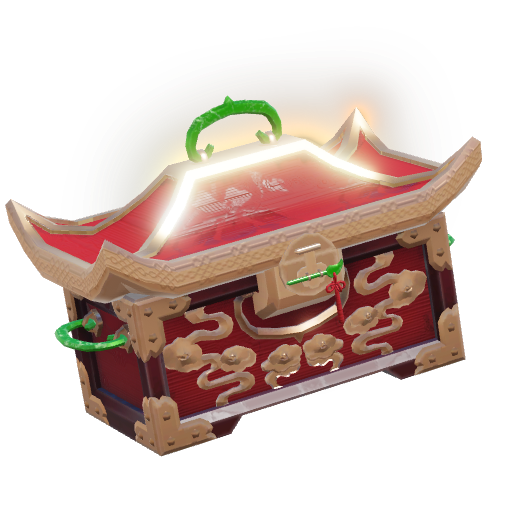
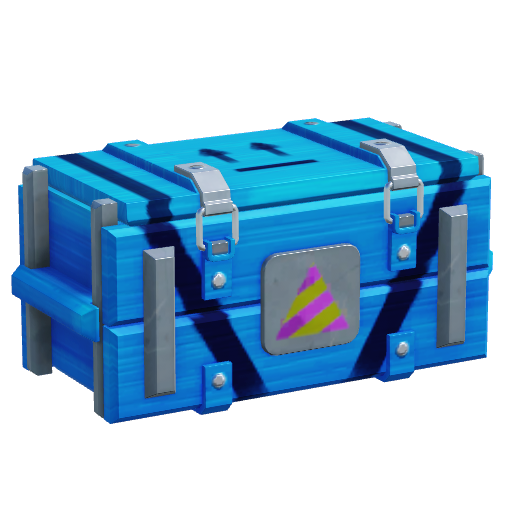
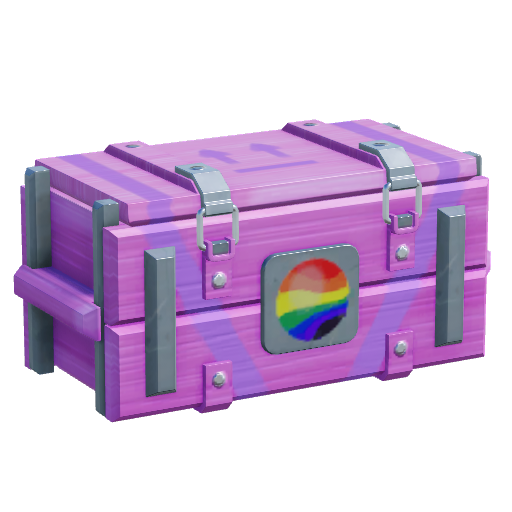
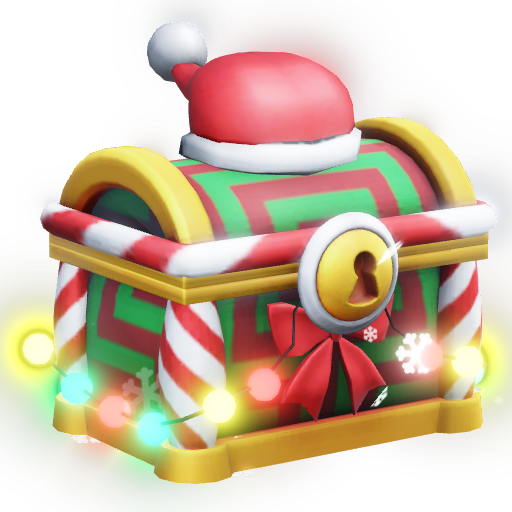
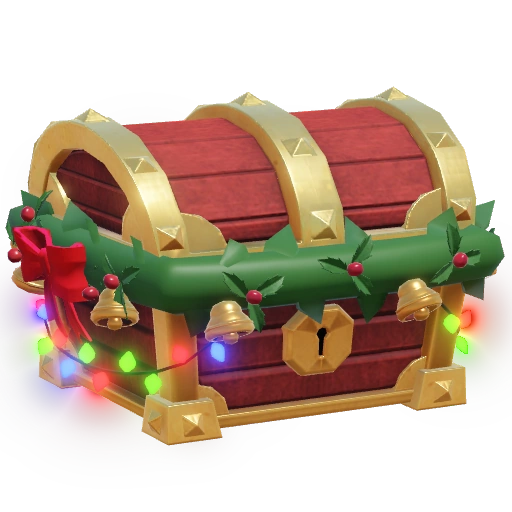
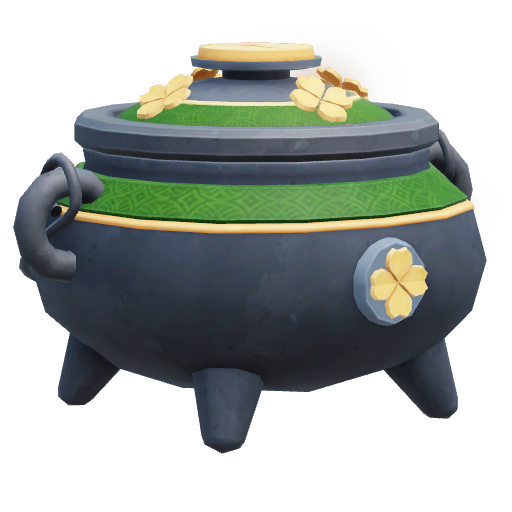
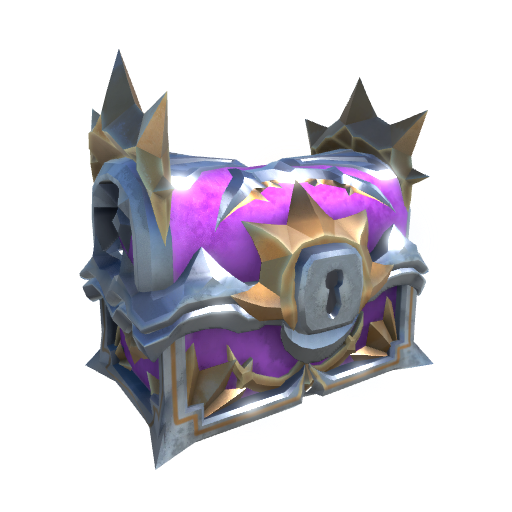
Crates in Tower Defense Simulator are items used to for the most part unlock Skins for towers and consumables. Crates can be bought with 
 Robux or event currencies, like
Each Crate has specific skins that generally only they can unlock, with some exceptions. One Crate unlocks one skin and each Crate has a limited amount of skins to unlock. You can buy excess Crates, though they cannot be opened.
For Consumable Crates, all of them share all or a portion of their consumables, though it is more likely to get consumables with higher rarity in higher tier crates.
To open a Crate, you must go into the Crates section of your inventory while in the lobby and open the crate in question. Using a Crate will randomly assign a skin that can be obtained from that crate to you. A specific skin for a specific tower cannot be chosen beforehand. You cannot get a skin for a tower that you do not own.
If a player is from the Netherlands, Australia and Belgium, or if a player is in the United Kingdom and Brazil that cannot verify their age to be over 18, you will be able to see the order in which you unlock skins (or items you will get in the next crate) to comply with gambling laws.
Skins are just cosmetic overhauls of the tower in question, with no added bonus. Not all Skins can be found in Crates as some can only be obtained through different means, like a code, such as the Spring Time Commander or from Passes, such as the Ducky skins. To equip a skin, you must go into the Towers section of your inventory while in the lobby and select the specific tower you want to equip a skin for.
Every skin has a rarity. For the Crates that appear in the store, there are four rarities that they can have which determine how likely you are to unlock it. These rarities are Common, Uncommon, Rare and Legendary. For the Golden Crate, they all use the Golden rarity instead, making them all equal. Skins obtained directly from events and some seasons use the Event rarity, making them all equal. Skins obtained directly via Robux or from PVP rewards use the Ultimate rarity. Other skins, such as code skins use the Exclusive rarity. Skins that are in legacy crates from before 2023 also use the Event and the Exclusive rarity. There are a few exceptions where a skin should have a Event or Exclusive rarity, but it uses a different rarity instead.
Default


Robux
 |
 |
 | |
| Crate | Premium Crate | Deluxe Crate | Phantom Crate |
| Cost | 60
|
200
|
200
|
| On Sale? | Yes | Yes | Yes |
Consumables
 |
 |
 |
 | |
| Crate | Low Grade Crate | Mid Grade Crate | High Grade Crate | Holiday Crate |
| Cost | |
|
50
|
32
|
| On Sale? | Yes | Yes | Yes | No |
Removed
 | |
| Crate | Platinum Crate |
| Obtain | Win on all difficulties on 5 maps. |
Unreleased
 |
 |
 |
 | |
| Crate | Nametag Crate | Tier I Perk Crate | Tier II Perk Crate | Tier III Perk Crate |