
Matchmaking
Matchmaking is a system in Tower Defense Simulator that matches up players between servers. Players will be matched up with other players who selected the same mode and squad size. They are also initially matched up based on their Level and age group, however, the system will not try to find players of similar Level forever. After a certain point, it will accept players of lower Level and higher Level, creating large gaps of Level between players. In PVP ranked matches, pairing is based on ELO and age group.
Usage

Matchmaking can be activated in two ways. The main method is using the Play button in the middle of the screen. A secondary method of matchmaking is using statues placed in the lobby, though they are only used for limited-time events.
Matchmaking is available across all game modes. When accessed this way, in most cases a screen with multiple options will appear. There are five sections in the Matchmaking menu. The first is Survival, which consists of all main game modes (Easy, Casual, Intermediate, Molten, Fallen, and Frost) as well as Hardcore and Voidcore modes. The second is Story, which includes all of the chapters and missions available in Story Mode. The third is PVP, which includes Casual and Ranked Player vs. Player matches. The fourth is Arcade, which includes Challenge Trials and all special modes (Polluted Wasteland II, Badlands II, and Pizza Party). The fifth and final one is Sandbox, which contains the experimental Sandbox Mode.
There are also a few other screens. For Challenge Maps, there is no option for it in the main Matchmaking menu. Instead, it can only be accessed through the Quests menu. For events that occurred up to the Ducky Revenge Event, the old Matchmaking menu is used instead, where a small pop-up window will appear with multiple difficulty options if they exist before choosing the player count.
After getting through the mode selection, you will be asked to select a player count, ranging from solo to squads. Solo creates a singleplayer match, duo creates a two-player match, trio creates a three-player match and quad creates a four-player match. In Hardcore and Voidcore modes, you can only play with up to three players (trios) as quads is unavailable for those modes. In PVP mode, you can only play by yourself (1v1) or with one other player (2v2) against another team. In Sandbox Mode and during the Halloween 2025 Live Events, two additional options would appear, with those being a squads option for five players and a mega option for six players. In both cases, the same icon for quads is used. However, the options for five and six players in Sandbox Mode are locked unless you own the Sandbox Plus+ Gamepass and are in a party with other players. In PVP mode, the usual options are replaced with 1v1, which has the players be in teams consisting of one player only (two players total), and 2v2, where players are in two player teams (four players total).
Selecting the player count will then start a player search. If playing in solos or if the Party size is the same as selected player count, a match will be created instantly. Otherwise, Matchmaking will begin searching for players of a specific similar statistic:
- In majority of cases, it will look players of a similar Level. This applies to majority of the modes, with all exceptions being listed below. If unable to find players of similar Level quickly, players of significantly higher or lower Level will be accepted.
- Similar age groups are also considered to ensure that all players in the match are able to see each other's messages.
- Ranked PVP looks for players of similar ELO. If unable to find players of similar ELO quickly, players of significantly higher or lower ELO will be accepted.
- Sandbox mode will instantly start the match, regardless if the selected player count actually matches the Party size. However, it will not wait indefinitely until it finds such players, it will instead pick players with lower Levels/ELO. Once all players are found, every single player's loadout, level, triumph count and loss count will be displayed, alongside their username and avatar.
-
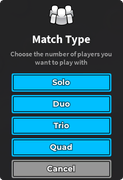 Match size selection.
 -
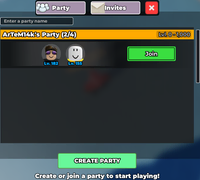 Party list.
 -
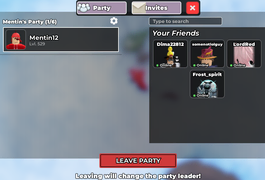 Party menu.
 -
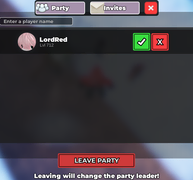 Party invites.
 -
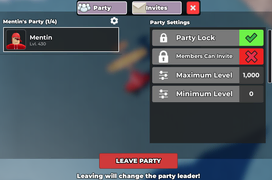 Party settings.
 -
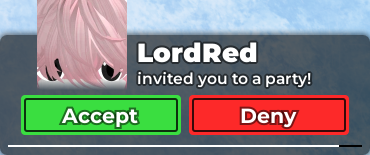 Party invite pop up.
 -
 Match search.
 -
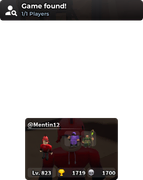 Match found.


Historical Matchmaking
Matchmaking Elevator
Matchmaking Elevator refers to a Matchmaking which was never actually used in-game outside of public tests. It would move the player away from the main lobby into an elevator.
Matchmaking Elevator would put the player inside an elevator with three options, survival, hardcore and event. After either one is chosen a player count would be chosen, which could be one player, two players, three players, four players or a MEGA Server. A search for players would then begin, where player avatars would start appearing inside the elevator.
It would be accessible through a "Play" button on the screen.
-
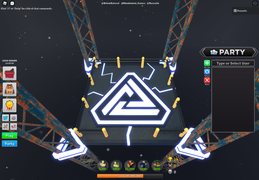 UI.
UI. -
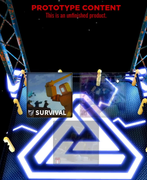 Mode type selection (public test).
 -
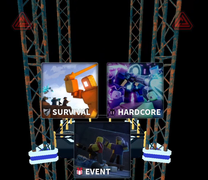 Match type selection (teasers)
 -
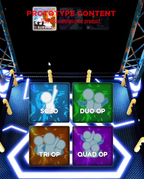 Match size selection (public test).
 -
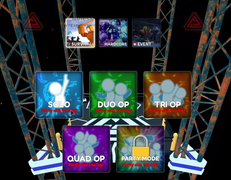 Match size selection (teasers).
 -
Elevator animation.
-
Elevator UI.
-
Elevator UI.
-
Searching for players.
-
Public test music.
-
Unused music.


Legacy Event Matchmaking
Legacy Event Matchmaking refers to an early version of Matchmaking used by the Solar Eclipse Event and Duck Hunt Event. It was a far more primitive version of Matchmaking, as it had no actual options for the player. The match size would always be the highest one available (quads), meaning that if the Party was not full, the game would fill out the rest of the slots with other players.
In v1.4.0, roughly five months after the Duck Hunt Event had concluded, the game would receive proper Matchmaking statues in the lobby which would use a slightly different UI and give the player the option to pick the match size. Because of this change, Legacy Event Matchmaking did not end up being used for the Violent Night Event.


Gallery
Mode Icons
-
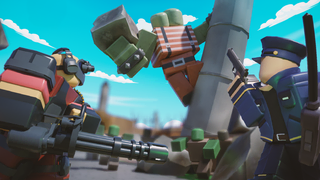 Current Easy Icon
 -
 Formal Easy Icon
 -
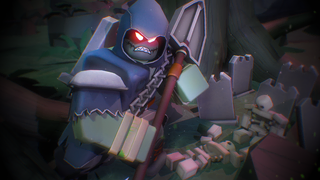 Current Casual Icon
 -
-
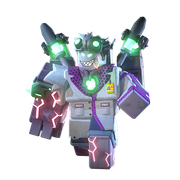 Former Casual Icon, Former Intermediate Icon
 -
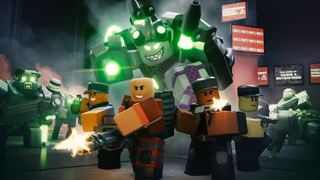 Current Intermediate Icon
 -
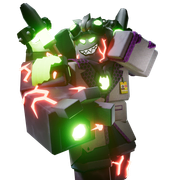 Former Intermediate Icon
 -
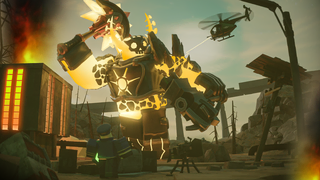 Current Molten Icon
 -
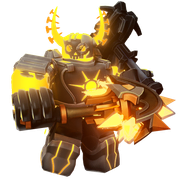 Former Molten Icon
 -
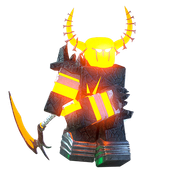 Former Molten Icon
 -
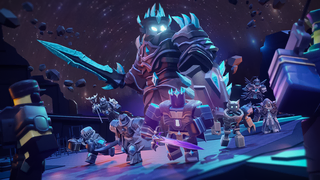 Current Fallen Icon
 -
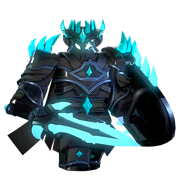 Former Fallen Icon
 -
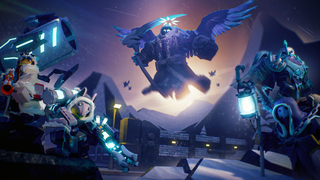 Current Frost Icon
 -
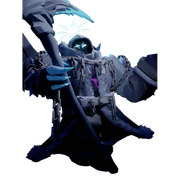 Former Frost Icon
 -
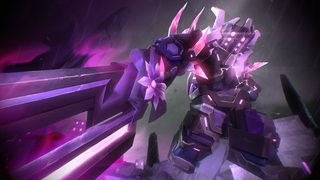 Current Hardcore Icon
 -
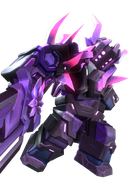 Former Hardcore Icon
 -
 Former Hardcore Icon
 -
 Former Hardcore Icon
 -
 Current Voidcore Icon
 -
 Former Voidcore Icon
 -
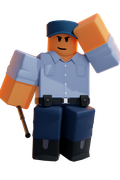 Current Special Icon
 -
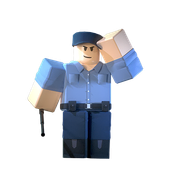 Former Special Icon
 -
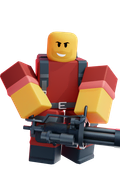 Current Survival Icon
 -
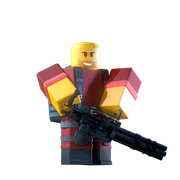 Former Survival Icon
 -
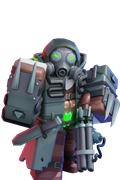 Current PVP Icon
 -
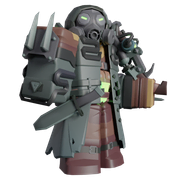 Former PVP Icon
 -
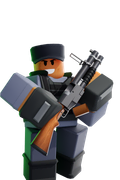 Current Casual PVP Icon
 -
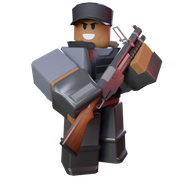 Former Casual PVP Icon
 -
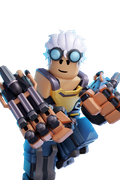 Current Ranked PVP Icon
 -
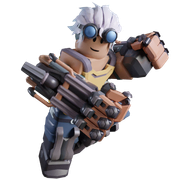 Former Ranked PVP Icon
 -
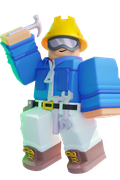 Current Sandbox Icon
 -
 Former Sandbox Icon
 -
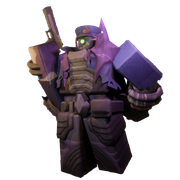 Null & Void Event Night 1 Easy Icon
 -
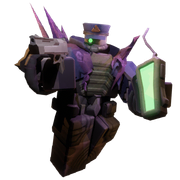 Null & Void Event Night 1 Hard Icon
 -
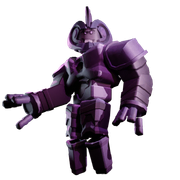 Null & Void Event Night 2 Easy Icon
 -
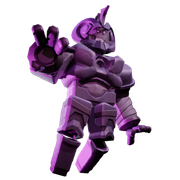 Null & Void Event Night 2 Hard Icon
 -
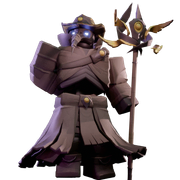 Null & Void Event Night 3 Easy Icon
 -
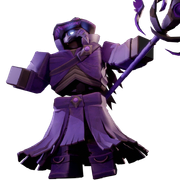 Null & Void Event Night 3 Hard Icon
 -
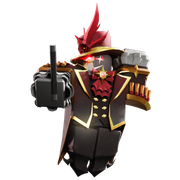 The Final Act Event Icon
 -
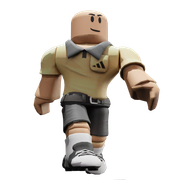 Backyard Legends Event Mission 1 Easy Icon
 -
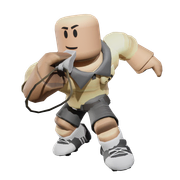 Backyard Legends Event Mission 1 Hard Icon
 -
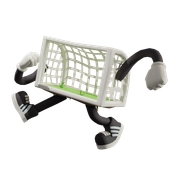 Backyard Legends Event Mission 2 Easy Icon
 -
 Backyard Legends Event Mission 2 Hard Icon
 -
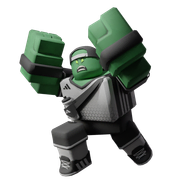 Backyard Legends Event Mission 3 Easy Icon
 -
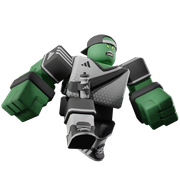 Backyard Legends Event Mission 3 Hard Icon


Squad Size Icons
-
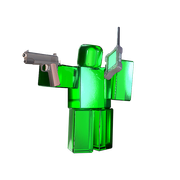 Solo Icon
 -
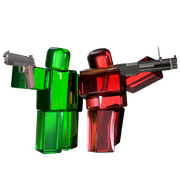 Duo Icon
 -
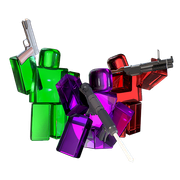 Trio Icon
 -
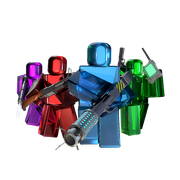 Quad Icon
 -
 1v1 Icon (PvP)
 -
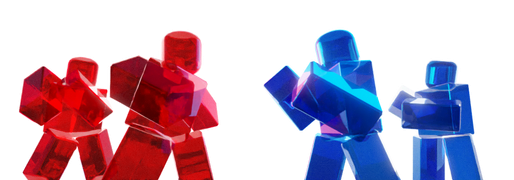 2v2 Icon (PvP)
 -
 Ranked 1v1 Icon (PvP)
 -
 Ranked 2v2 Icon (PvP)
 -
 Solo Icon (Sandbox)
 -
 Duo Icon (Sandbox)
 -
 Trio Icon (Sandbox)
 -
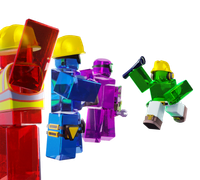 Quad Icon (Sandbox)
 -
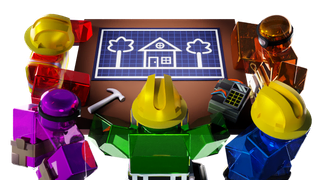 Squads Icon (Sandbox)
 -
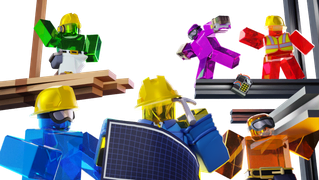 Mega Icon (Sandbox)
 -
 Solo Icon (Elevator Matchmaking)
 -
 Duo Icon (Elevator Matchmaking)
 -
 Trio Icon (Elevator Matchmaking)
 -
 Quad Icon (Elevator Matchmaking)
 -
 Quad Icon (Elevator Matchmaking, Backgroundless Version)
 -
 Party Icon (Elevator Matchmaking)


Backgrounds
-
 Survival Background
 -
 Hardcore Background
 -
 Special Background
 -
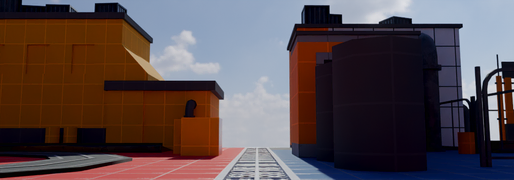 PvP Background
 -
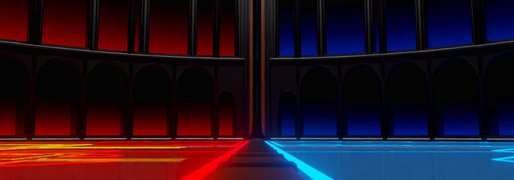 Ranked PvP Background
 -
 PVP Background
 -
 Sandbox Background
 -
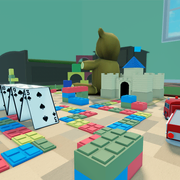 Easy Background
 -
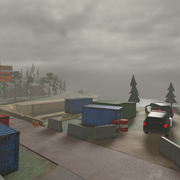 Casual Background
 -
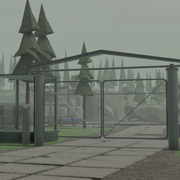 Intermediate Background
 -
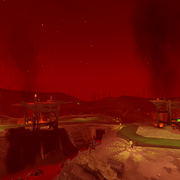 Molten Background
 -
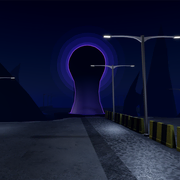 Fallen Background
 -
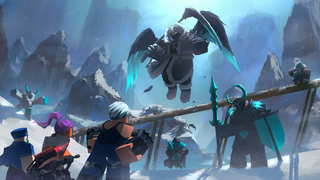 Frost Background
 -
 Generic Player Count Background
 -
 Generic PVP Background
 -
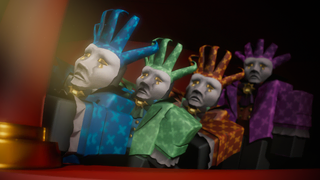 The Final Act Event Easy Background
 -
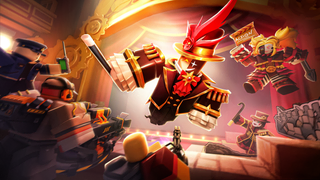 The Final Act Event Hard Background
 -
 Backyard Legends Event Mission 1 Background
 -
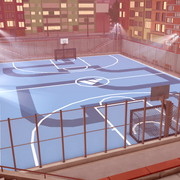 Backyard Legends Event Mission 2 Background
 -
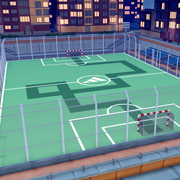 Backyard Legends Event Mission 3 Background


Trivia
- Although it was implied in v1.71.0 that all statues in the lobby were removed except for those of PVP, they were actually moved underneath the map as you can briefly catch them if you fall out of the Main Lobby.

